To utilize the wireless feature of our radiograph machine follow these steps:
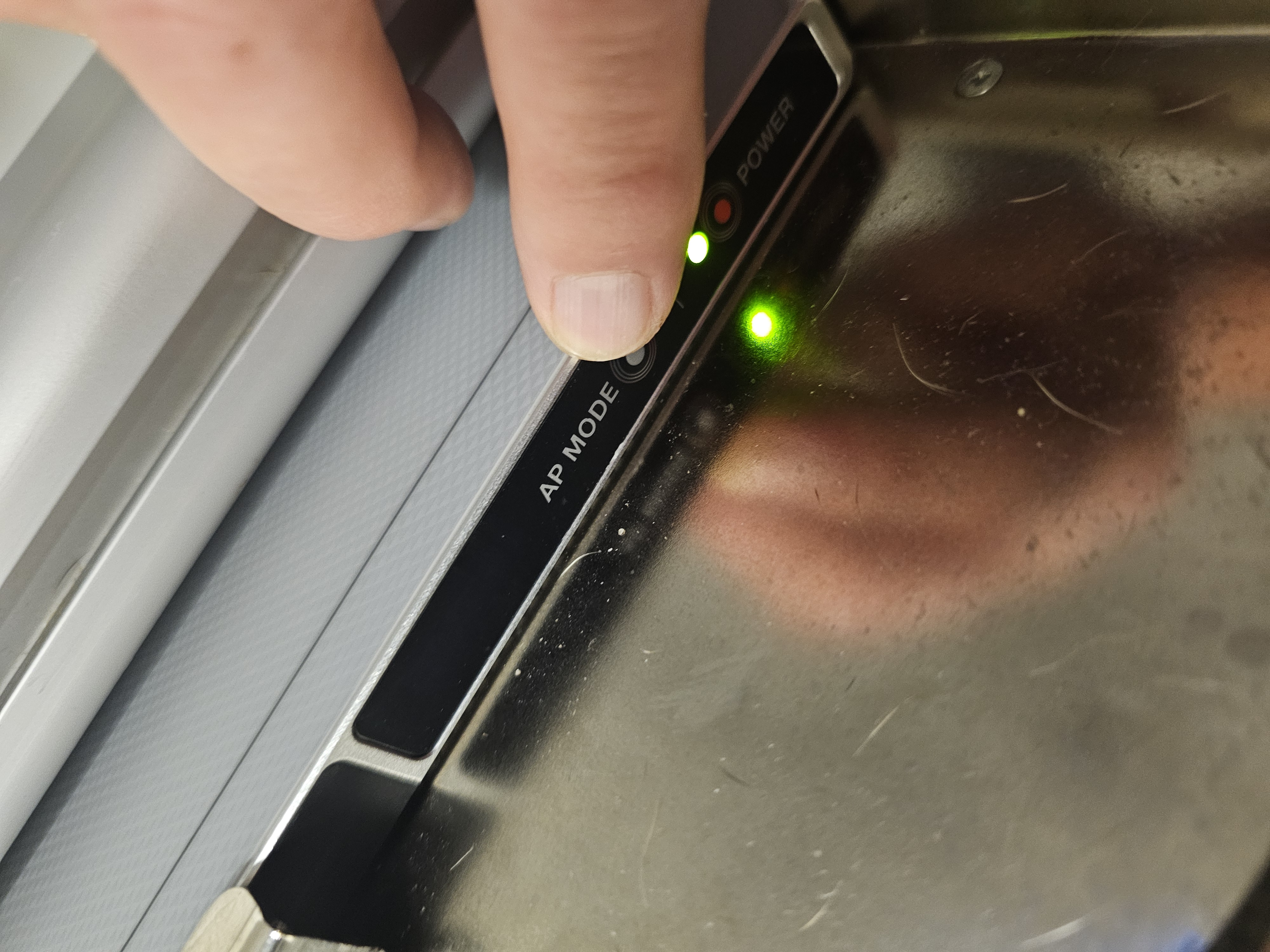
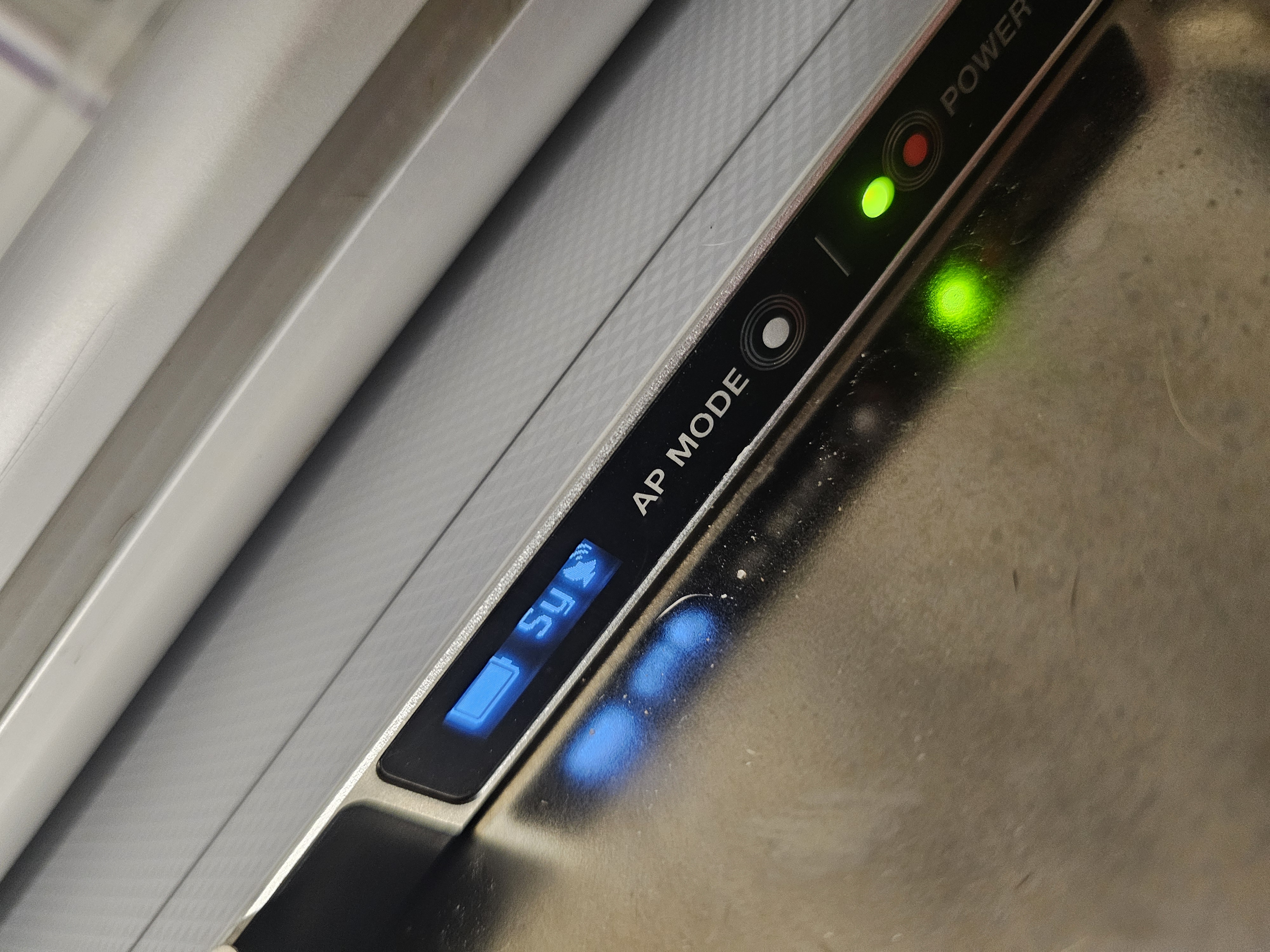
1. Unplug the detector from the machine on the left side. Push and hold Power button until light comes on Press the AP Mode button until the LCD readout lights up.
The LCD will show AP mode and then The battery level and SY with a connection meter.
The computer is hard wired to the internet via a CAT-6 cable (ethernet).
The detector connects to the computers wifi. (Or vice versa, the computer connects to the detector's wifi.)
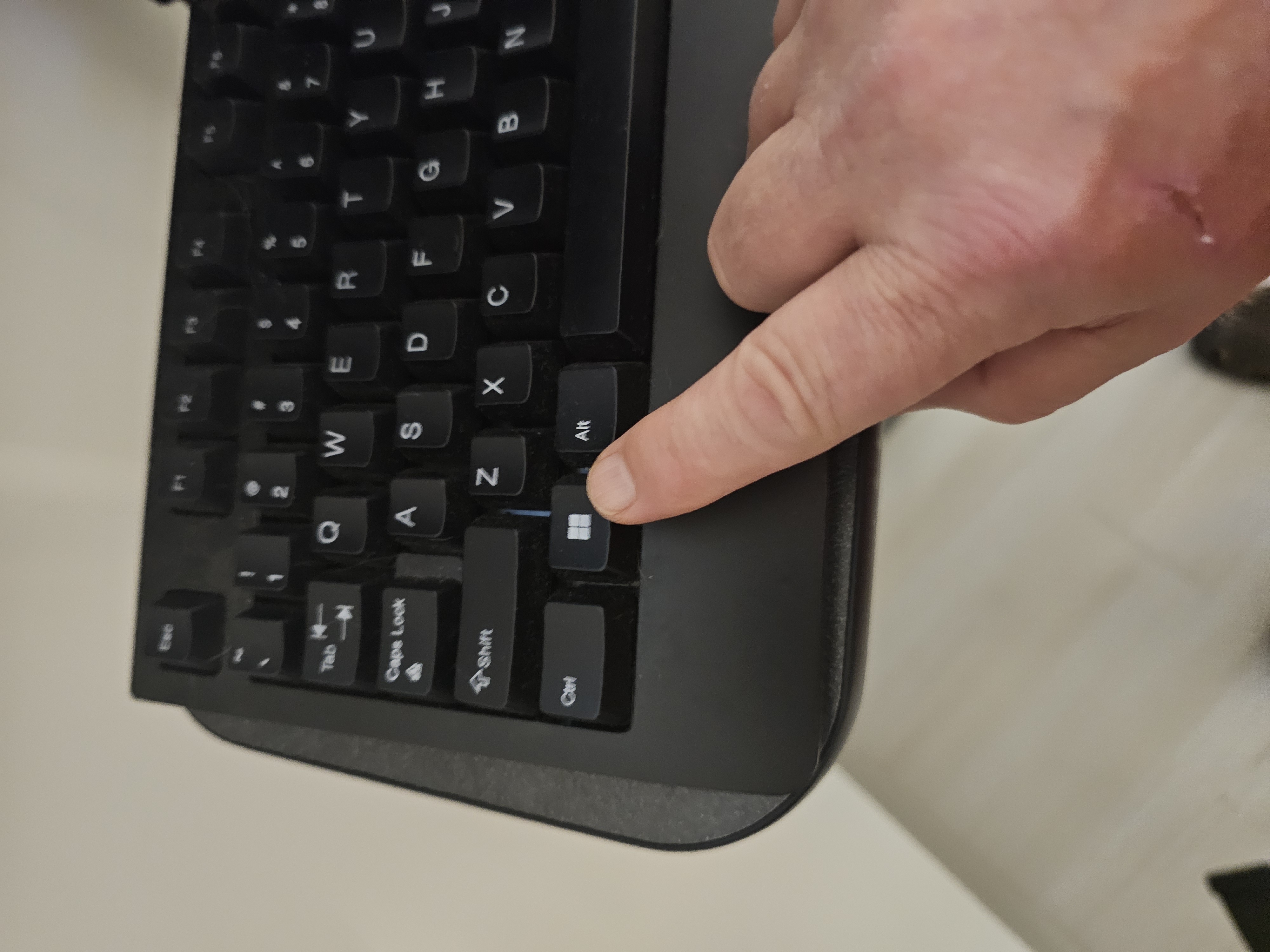
2. Press the Windows key on the keyboard to show the system tray.
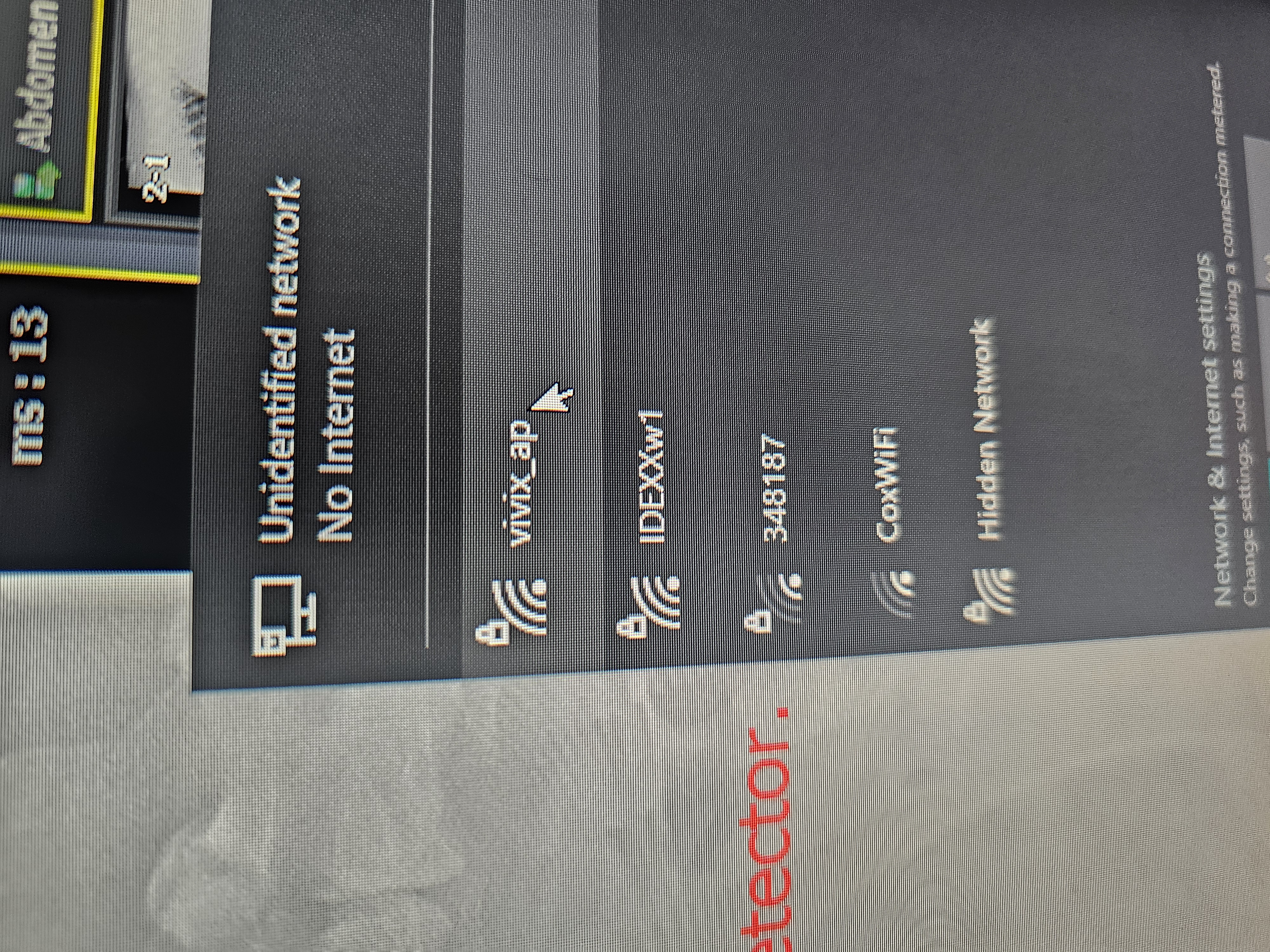
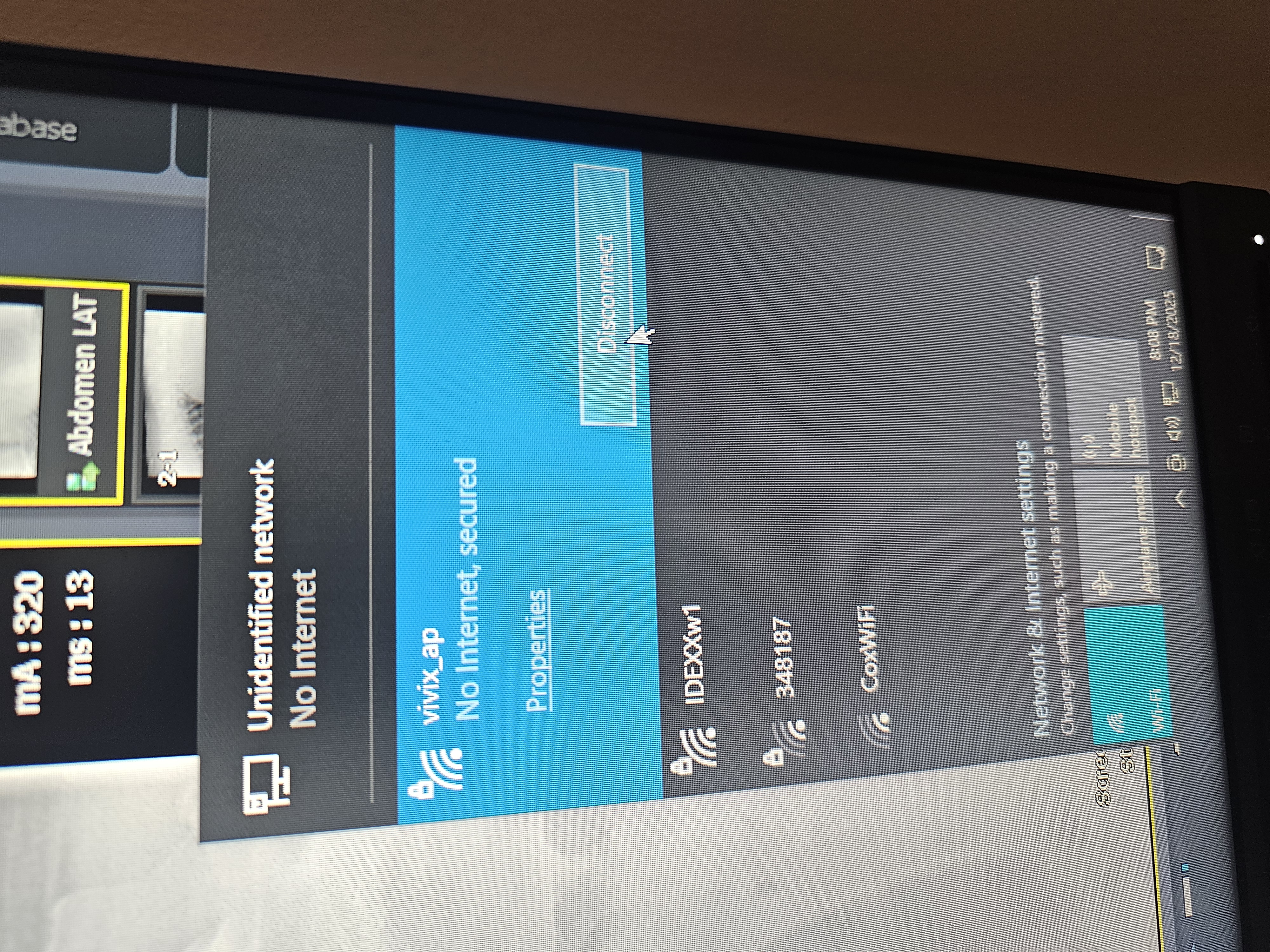
Click on the computer connections in the lower right system tray.
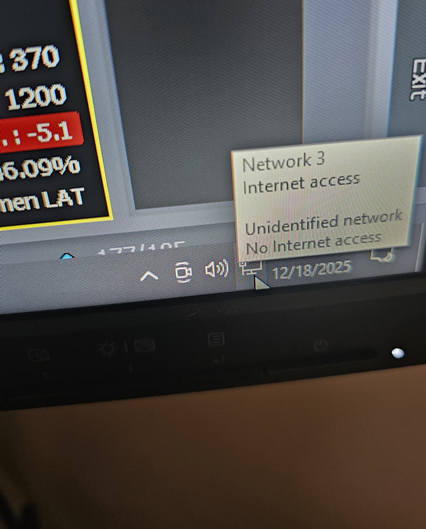
Connect to vivix_ap wifi. Click to hilight. Click on the connect button.